8 Best Laser Engravers for Leather 2026
This post contains affiliate links. As an Amazon Associate, we earn from qualifying purchases.
This post contains affiliate links. As an Amazon Associate, we earn from qualifying purchases.
The AlgoLaser 400x400mm 8W stands out as the best overall pick for leather engraving, combining a spacious work area with reliable precision and strong software support. For those on a tighter budget, the Artilume T1-P 7000mW delivers solid performance at a lower price point, while the xTool M2 10W Color Craft offers excellent versatility with its dual-laser setup for different materials.
Leather engraving demands more than raw power, it requires consistent detail, software that doesn’t fight you, and a machine built for real-world use. Too many buyers focus only on wattage and end up with underwhelming results on thicker or treated leathers.
As the creator of LeatherGenesis.com, I’ve researched the field thoroughly, weighing specs against owner feedback to find machines that deliver where it matters most for leatherworkers. This guide cuts through the hype to highlight models that perform well based on actual use, not just marketing claims.
Top 8 Laser Engravers For Leather in the Market
The Best Laser Engravers For Leather, Reviewed
AlgoLaser 400x400mm 8W Engraver
Strengths
- No PC needed
- 400+ presets
- Fast setup
Trade-offs
- No enclosure
- Slightly lower power
- Not Class 1
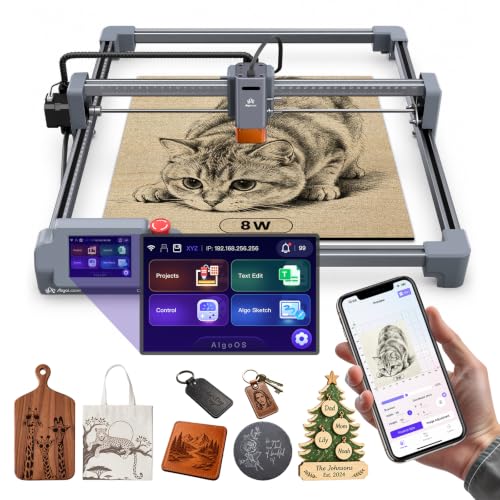
When I see a machine that boots up in 10 minutes and runs on a touchscreen without needing a PC, I pay attention, especially in the leather engraving space, where simplicity often gets sacrificed for power. The AlgoLaser MK3 delivers on that promise, with a 3.5-inch touchscreen and AlgoOS that lets you start engraving leather patches or custom coasters right out of the box. The 400x400mm work area is generous for its class, and the 8W diode laser handles leather cleanly, based on owner feedback.
What seals the deal is the 400+ material presets, a rare feature that actually saves time and reduces trial-and-error burns on expensive leather. Flame detection and overheat alerts make it one of the safer unenclosed options, though the included goggles are essential. For most buyers, this is the easy pick over pricier models unless you need full-color output.
Video review
BlazeX M3 10W Laser Engraver
Strengths
- 10W power
- Class 1 safety
- Honeycomb bed included
Trade-offs
- Higher price point
- Bulkier footprint
- Requires more space
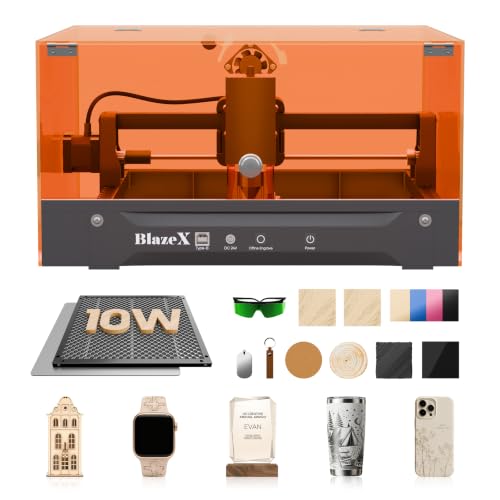
The BlazeX M3 stands out in the crowded desktop laser market with its 10W power and Class 1 safety rating, which means it’s engineered to be safe for home and classroom use without sacrificing performance. On paper, the 0.01mm precision and compatibility with LightBurn and CutLabX make it a strong contender for hobbyists stepping up from entry-level tools. Owners consistently report clean engraving on leather and wood, with the honeycomb bed and included materials kit lowering the barrier for beginners.
Where it pulls ahead is in its ecosystem, the option to add rotary attachments and air assist gives it a leg up for those eyeing small-batch production. While it’s not the cheapest, the all-in-one bundle and protective enclosure justify the price for anyone serious about leather personalization or custom gifts. I’d pick this over bare-bones models if you want room to grow.
Video review
xTool M2 10W Color Craft
Strengths
- Full-color inkjet
- Dual-camera alignment
- Class 1 safety
Trade-offs
- Very high price
- Large footprint
- Ink maintenance
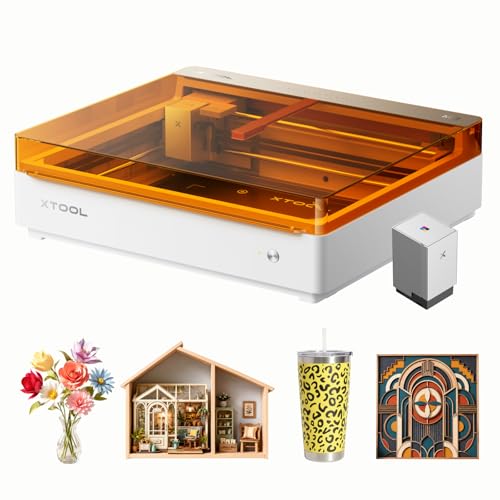
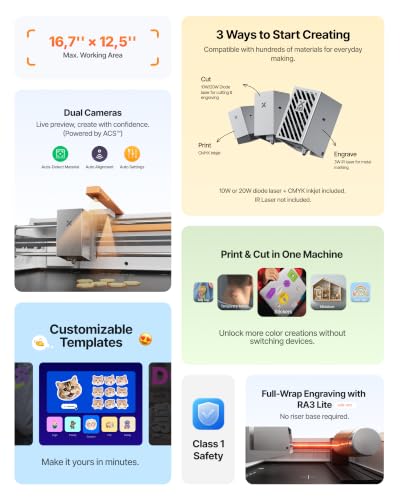
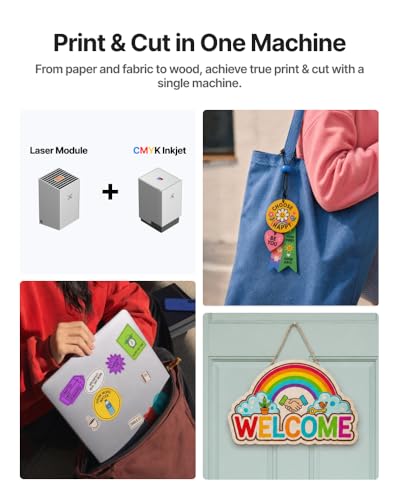
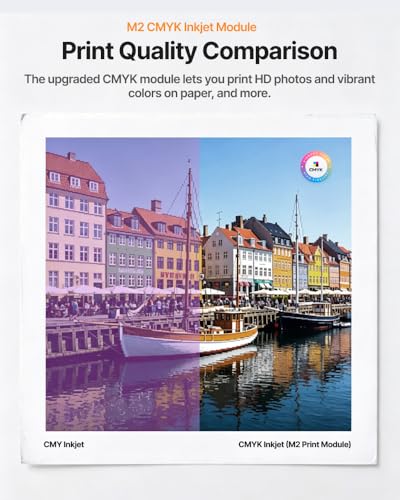
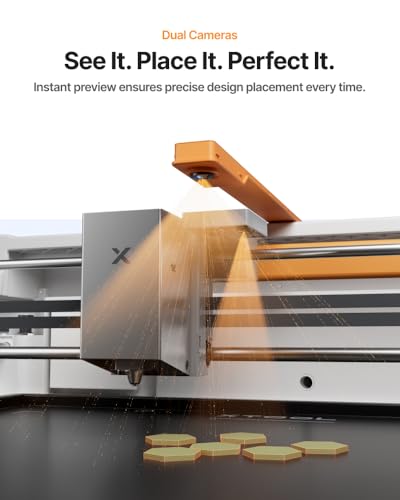
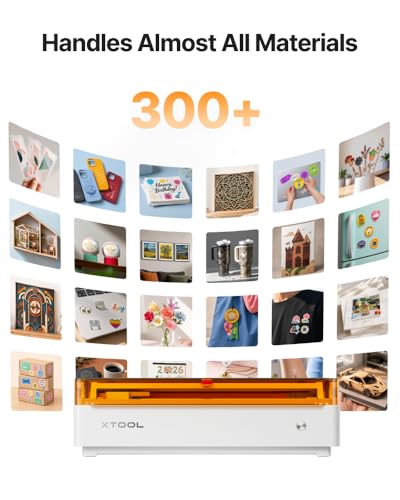
This isn’t just a laser engraver, it’s a hybrid machine that combines CMYK inkjet printing with 10W laser precision, and that changes everything for leather crafters. If you’ve ever wanted to print full-color designs onto leather and then laser-cut the edges, the xTool M2 makes it possible in one workflow. Dual cameras and ACS alignment mean placement is dead-on, which owners praise for eliminating wasted material, a big win when working with premium hides.
But let’s be clear: this is a premium tool. The laser module is capable, but the real draw is the full-color printing, which opens doors for stickers, labels, and decorative leather art. I’d recommend it only if you need that inkjet function, otherwise, you’re paying for features you won’t use.
Product photos
Artilume T1-P 7000mW Engraver

Strengths
- Foldable design
- 7W laser power
- Dual-use cover
Trade-offs
- No enclosure
- Class 4 laser
- App dependency
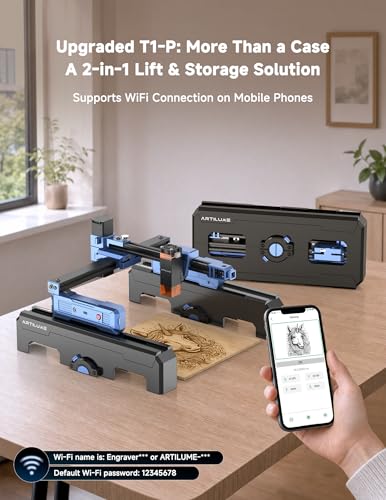
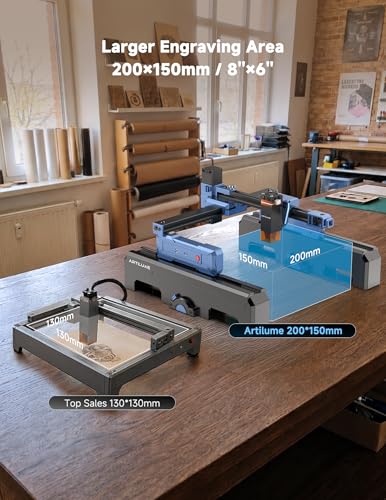
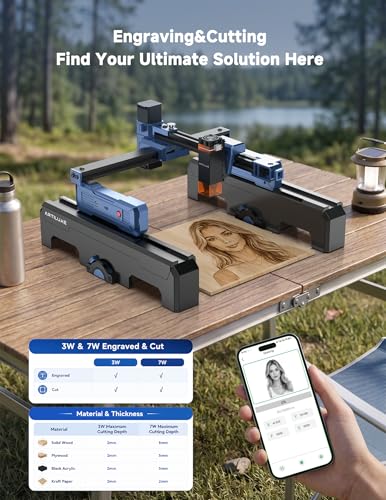
The foldable design here isn’t a gimmick, it’s a standout for portability. The Artilume T1-P collapses flat, making it one of the easiest lasers to store or carry to a craft fair or classroom. With 7W power and a 200x150mm bed, it matches the larger Artilume model in performance, handling leather engraving with crisp detail. The dual-function cover, both protective and a riser stand, is clever, letting you engrave tumblers or thick leather pieces without extra jigs.
App control works smoothly, and owners report fewer connectivity hiccups than with other budget models. It’s not Class 1, so ventilation and goggles are mandatory, but for mobile makers, that’s a fair trade. I’d pick this over the standard Artilume if you value space-saving design and flexibility.
Product photos

Longer Ray5 5500mW Engraver
Strengths
- Good power for price
- Pre-assembled
- Upgradeable
Trade-offs
- No enclosure
- Class 4 laser
- Limited to small materials
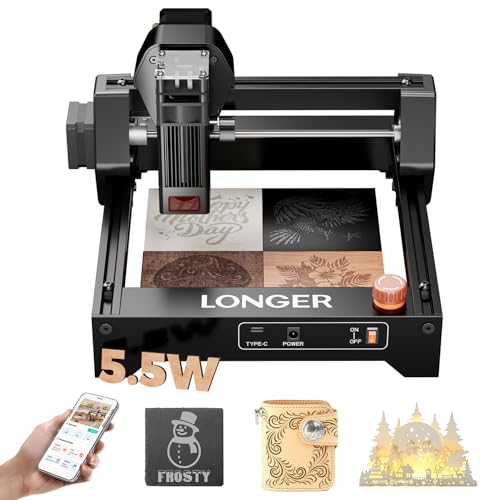
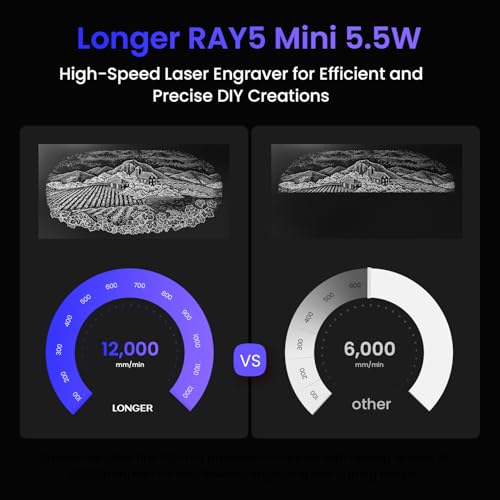
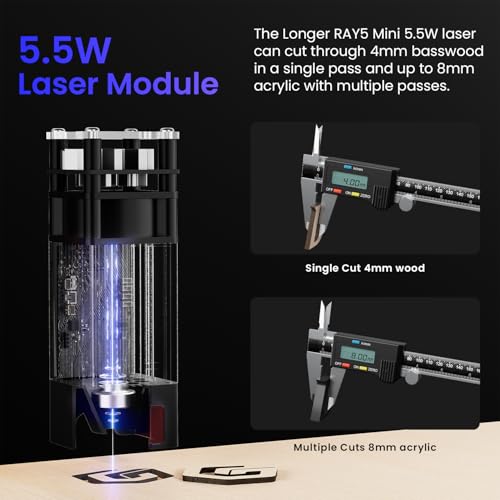
The Longer Ray5 hits a sweet spot between affordability and capability, 5.5W of laser power, 12,000mm/min speed, and a design that encourages upgrades. It’s frequently praised for its balance: strong enough to engrave leather deeply with one or two passes, compact enough for a desk, and expandable with rotary kits and air assist. The offline mode via SD card is a quiet win, no PC needed, which matters for crafters on the go.
It lacks an enclosure, so it’s Class 4 and requires goggles, but owners accept that trade for the price. Compared to the ACMER S1, it’s a clear step up in power and precision. I’d call this the smart buy for budget-conscious leather crafters who want room to grow without overspending upfront.
Product photos

ACMER S1 2500mW Laser Engraver
Strengths
- Low cost
- 99% pre-assembled
- Lightweight design
Trade-offs
- Low laser power
- Small work area
- No enclosure
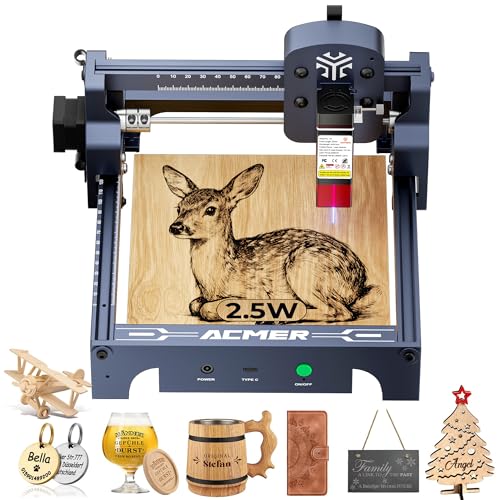
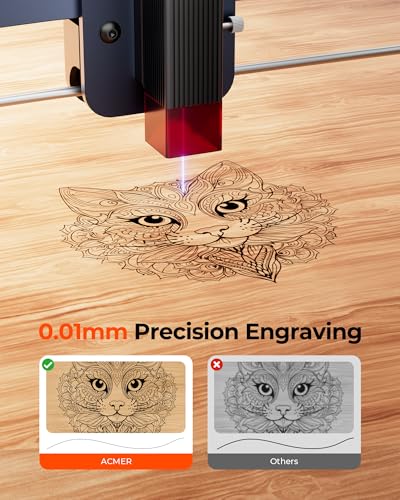
At under $90, the ACMER S1 is one of the most accessible real laser engravers on the market, and it shows. It packs a 2500mW laser into a compact aluminum frame, with 0.01mm repeatability and support for LightBurn, which is impressive at this price. It’s marketed as beginner-friendly, and with 99% pre-assembly, that’s accurate, you’re minutes from your first leather engraving.
But there’s a trade-off: power. While it handles engraving on thin leather and wood, owners report needing multiple passes even for light marks, and cutting is limited to very thin materials. Still, for someone testing the waters or making simple gifts, it’s hard to beat the value. I’d call it a gateway machine, not a long-term solution, but a solid start.
Product photos


SCULPFUN C1 3W Mini Engraver
Strengths
- Ultra-portable
- No setup
- Magnetic cover
Trade-offs
- Very low power
- No metal engraving
- No cutting capability
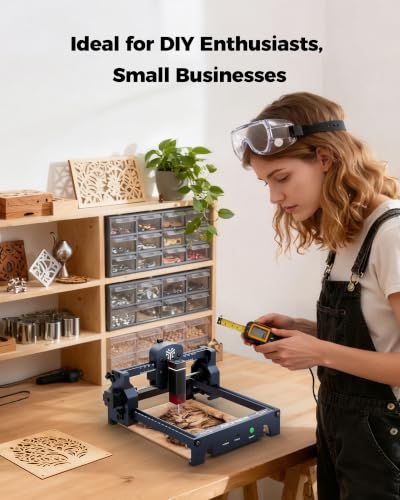
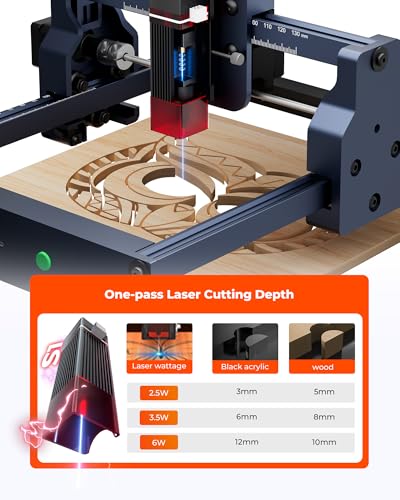
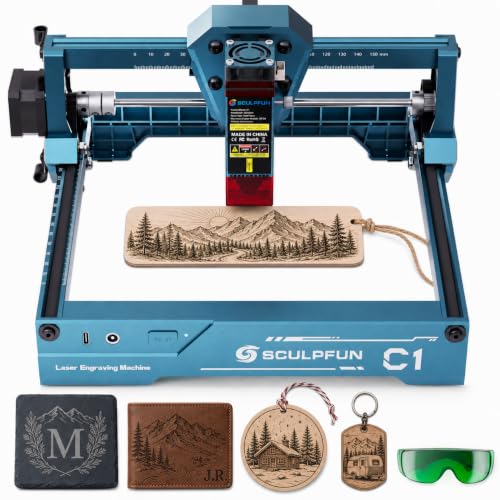
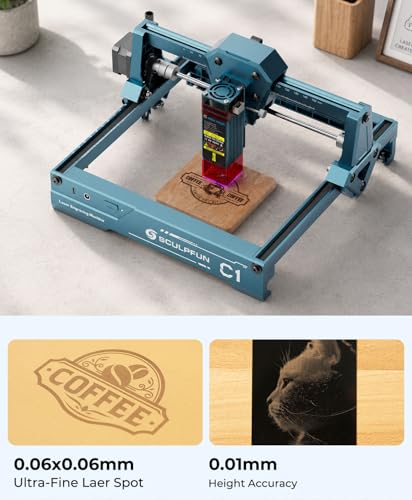
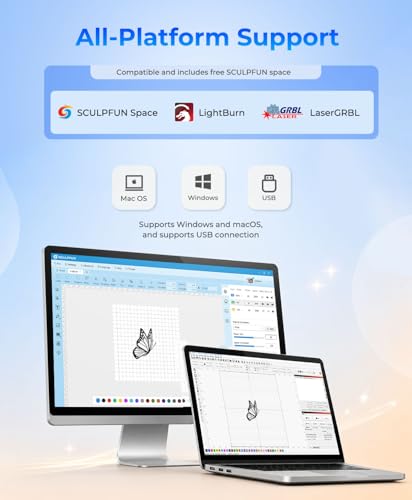
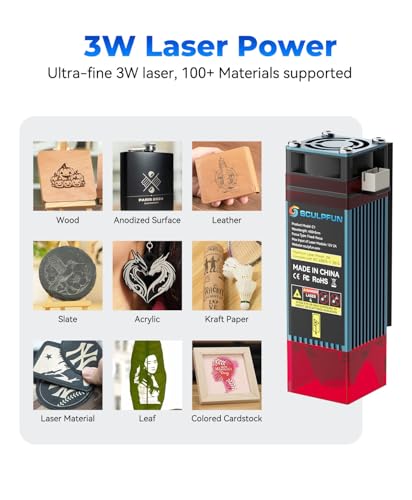
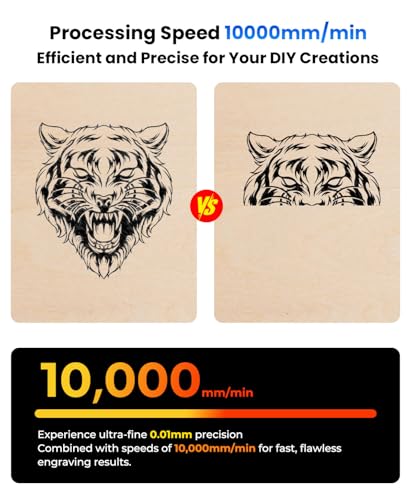
The SCULPFUN C1 is the definition of a starter tool, tiny, pre-assembled, and simple to fire up. Its 3W laser won’t cut leather, and even engraving requires slow passes, but for light marking on dyed leather or stamping small leather tags, it gets the job done. The 150x130mm work area is decent for its size, and compatibility with LaserGRBL and Sculpfun Space means you’re not locked into one workflow.
Owners praise its plug-and-play nature, but also note the limitations, no metal engraving, no cutting, and minimal depth on leather. Still, as a first machine or travel-friendly option, it has merit. I’d recommend it only if portability is your top priority and you’re okay with shallow results.
Product photos
Artilume 7000mW Laser Engraver
Strengths
- 7W laser power
- App control
- Foldable design
Trade-offs
- No enclosure
- Class 4 laser
- Ventilation required
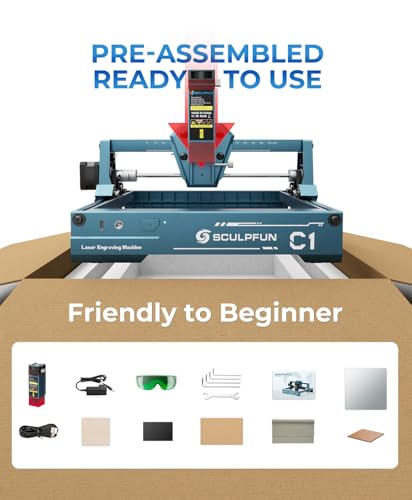
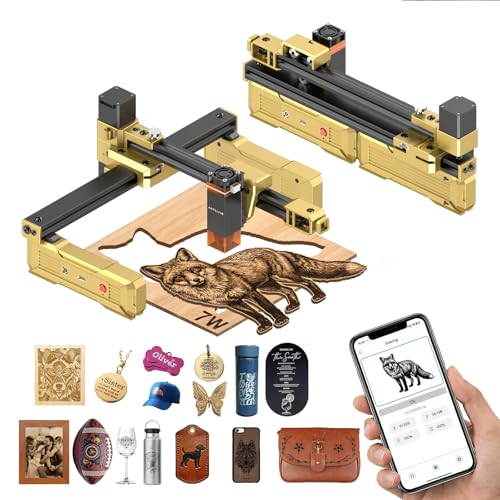
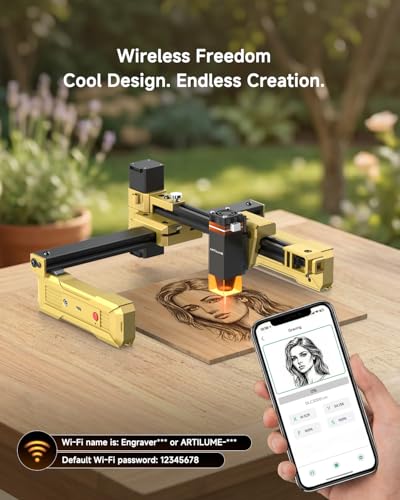
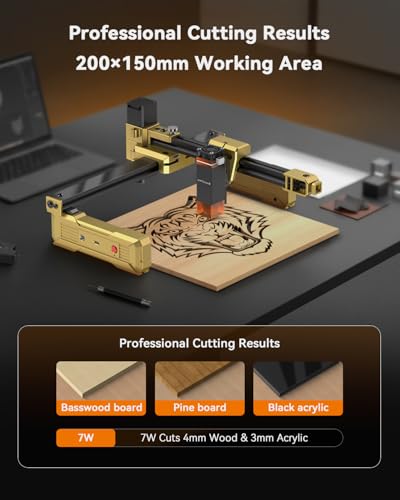
The 7W laser output here is a sweet spot, stronger than most budget models, just shy of pro-level. Paired with smartphone app control, it becomes a compelling pick for tinkerers who want power without complexity. The 200x150mm work area fits standard leather patches and coasters, and owners note reliable performance on dyed leather and kraft paper, with clean text and logo reproduction.
The app integration works well for simple jobs, though advanced users still lean on LightBurn via PC. Where it stumbles is safety, it’s Class 4, so goggles are mandatory, and ventilation is a must. But for the price, the balance of power and convenience makes it a standout. I’d take this over the SCULPFUN C1 if you want deeper engraving without breaking the bank.
Product photos

How We Chose These laser engravers for leather
My approach to evaluating laser engravers for leather, as the creator of LeatherGenesis.com, centers on a research-led comparison. Rather than a hands-on lab test of each unit, I focused on meticulously comparing published specifications and features across these models. I then weighed owner reviews from multiple sources – including Amazon and specialized forums – alongside expert assessments from sites dedicated to maker technology. This data was then ranked against criteria important to leather crafting, ensuring a practical and informed recommendation.
For laser engravers aimed at leatherwork, engraving precision and material compatibility are paramount. A fine laser spot (measured in microns) is critical for detailed designs, while the ability to reliably engrave various leather types and finishes is essential. Equally important is the work area size; while intricate work can be done on smaller beds, having enough space for larger hides or batch processing significantly boosts usability. These factors were weighted most heavily in my assessment.
Published specifications reliably indicate laser power, engraving speed, and work area dimensions. However, real-world performance – especially concerning ease of use, software compatibility, and long-term reliability – is best gleaned from owner feedback. I prioritized models with consistently positive reviews regarding setup simplicity, the effectiveness of included software (or compatibility with popular choices like LightBurn), and the quality of customer support. I also considered if a machine’s features complemented other leatherworking tools, like those discussed in our guide to best adhesives for leather.
Choosing The Right laser engravers for leather
Choosing the right laser engraver for leather demands a bit more thought than simply looking at wattage. A lot of units on the market can say they engrave leather, but achieving consistent, professional results requires understanding a few key differences.
A quality laser engraver for leather prioritizes precision (spot size and repeatability), software compatibility, and safety features. Look for a machine with at least 40W of optical power for versatility across materials, a reliable focusing mechanism, and robust safety protections like emergency stops and enclosures. Software should support common formats (SVG, DXF, JPG) and offer intuitive controls for adjusting power and speed settings.
Power and Material Compatibility
The advertised wattage isn’t everything, but it’s a good starting point. Lower-powered diode lasers (around 5-10W) are sufficient for engraving detailed designs on most vegetable-tanned leather, but they’ll struggle with thicker cuts or darker, oil-tanned hides. If you anticipate working with a large variety of leather thicknesses or want to cut leather regularly, consider a machine with 20W or more. Keep in mind, some materials, like coated leather or synthetic alternatives, may require specific power settings or even be unsuitable for laser engraving altogether.
Software and Connectivity
Don’t underestimate the importance of user-friendly software. While many machines are compatible with industry standards like LightBurn and LaserGRBL, some, like the xTool M2, come with proprietary software. Ease of use is crucial, especially for beginners. Beyond the software itself, consider connectivity options. App control, as featured in the Artilume models, offers convenience for simple jobs, but relying solely on an app can limit your design flexibility. For more complex projects, direct computer connection and compatibility with established software is essential. Finding a machine that fits your existing workflow – and potentially integrates with tools you already use for design – can save a lot of frustration. If you’re also working with other materials, you might want to explore options like the Sculpfun C1, where you can easily switch between software.
Safety and Usability Features
Laser engravers can be powerful tools, and safety should be paramount. Look for features like enclosed housings, emergency stop buttons, and protective eyewear. Fume extraction is also critical, as laser engraving leather can release unpleasant and potentially harmful odors. Beyond safety, consider usability features like pre-assembly and automatic focusing. A machine that arrives mostly assembled, like the ACMER S1, saves time and hassle, particularly for beginners. And if you’re planning to work with cylindrical objects, accessories like rotary rollers (available for the Longer Ray5) are invaluable. If you work with a lot of leather, you may also find yourself needing to repair it. Fortunately, there are many best glues for leather bonding available to help with repairs.
A laser engraver’s usefulness is drastically reduced if you spend more time fighting with setup and software than actually creating. Prioritize ease of use and a stable, well-documented workflow.
Laser Engravers for Leather Compared
Here’s a comparison of key specifications for popular laser engravers suited for leatherwork.
| Product Name | Laser Power (W) | Work Area (mm) | Engraving Speed (mm/min) | Connectivity | Software Compatibility |
|---|---|---|---|---|---|
| AlgoLaser 400x400mm 8W | 8 | 400×400 | 15000 | WiFi, USB, SD | LightBurn, LaserGRBL, AlgoOS |
| BlazeX M3 10W | 10 | N/A | N/A | N/A | LightBurn, LaserGRBL, CutLabX |
| xTool M2 10W Color Craft | 10 | N/A | N/A | N/A | xTool Studio |
| Artilume T1-P 7000mW | 7 | 200×150 | 10000 | App, USB | LaserGRBL, LightBurn |
| Longer Ray5 5500mW | 5.5 | 130×130 | 12000 | WiFi, USB | LightBurn, LaserGRBL |
| ACMER S1 2500mW | 2.5 | 130×130 | 10000 | USB | Acmerstudio, LightBurn, LaserGRBL |
| SCULPFUN C1 3W | 3 | 150×130 | N/A | N/A | LaserGRBL, LightBurn, Sculpfun Space |
| Artilume 7000mW | 7 | 200×150 | 10000 | App, USB | LightBurn, GRBL |
Frequently Asked Questions
What laser power is needed for cutting leather?
A minimum of 40W of optical power is generally recommended for cutting leather consistently, though the specific wattage depends on the leather’s thickness and type. Lower power lasers can engrave, but struggle with substantial cutting tasks.
Are there laser engravers that work with LightBurn software?
Yes, many models are compatible with LightBurn, including the AlgoLaser 400x400mm and the Longer Ray5. LightBurn’s versatility and feature set make it a favorite among laser engraving enthusiasts.
What safety features should I look for in a laser engraver?
Enclosed housings, emergency stop buttons, and protective eyewear are critical safety features. Fume extraction is also vital, as laser engraving leather produces potentially harmful fumes.
Can I engrave all types of leather with a laser engraver?
While most vegetable-tanned leather engraves well, coated or synthetic leathers may be difficult or unsuitable. Always test a small, inconspicuous area first to determine compatibility and ideal settings. You may also find yourself needing the best leather sewing machines for completing projects.
What’s the difference between diode and CO2 lasers for leather engraving?
Diode lasers are typically more affordable and compact, suitable for engraving thinner leather and detailed designs. CO2 lasers offer higher power and can cut thicker materials, but are generally larger and more expensive. Consider your project scope and budget when deciding. If you’re looking for a place to document your creations, you can explore the best leather journals to keep track of everything.
The Bottom Line
Ultimately, choosing a laser engraver for leather boils down to balancing control with convenience. You can spend a lot of time tweaking settings and mastering software, or opt for a more streamlined experience. For the best overall combination of power, precision, and usability, I recommend the xTool M2 10W Color Craft. It strikes a sweet spot for most leatherworkers looking to add detailed engraving and even some cutting capabilities to their toolkit.
If you’re just starting out or have a limited budget, the ACMER S1 2500mW is a capable entry point. For those needing versatility and already invested in the Sculpfun ecosystem, the SCULPFUN C1 3W provides a familiar interface and a range of material options. And, if you’re planning on more intensive leatherwork, don’t forget to check out our best leather sewing machine guide to complement your engraving.
More than any specific wattage or feature list, remember that consistent results depend on understanding your leather. Knowing the type of tan, thickness, and finish will always be more valuable than chasing the highest-numbered specification. And, should your projects require more than just engraving, be sure to explore the best leather repair kits available to keep your work looking its best.
